

Reports
Campaign report: account, campaign, ad set and ad
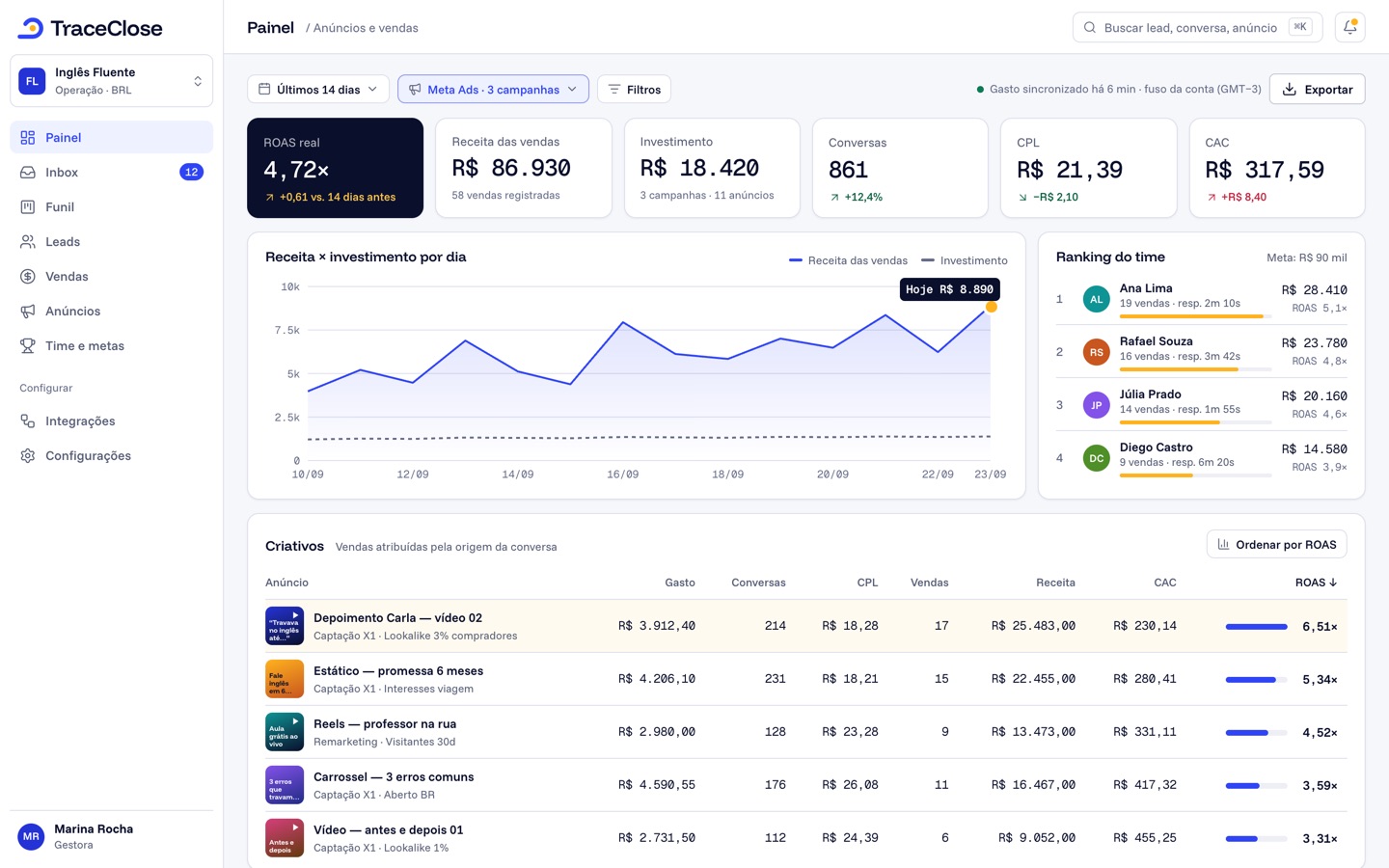
In Analytics › Campaigns, the table opens as a tree, Account → Campaign → Ad set → Ad, with Meta media and your team’s results side by side. Only leads and sales from paid traffic are included.
How the table works
- Starting level: start at accounts, campaigns, ad sets or ads (or automatic). Click the arrow on a row to open the level below, or use Expand all and Collapse all.
- Status: With data (the default: only what had spend, leads or active delivery), Active or All.
- Search by name: searches accounts, campaigns, ad sets and ads in the period.
- Sort: click the column header; with Shift, you add a second and third criterion.
- Density: comfortable or compact. The Total row adds up the table.
Each row shows the delivery status (Active, Paused, In review, Rejected…) and, when there is one, the budget (daily or lifetime). At the ad level you see the creative thumbnail and type.
Columns
The built-in Essentials view shows: Spend, Impressions, Link clicks, Link CTR, Link CPC, Conversations started, Cost per conversation, Leads, CPL, Meetings held and Cost per meeting. Under Columns you can add Revenue, ROAS, ROI, Profit, CAC, Wins, Meetings scheduled, No-shows, Lost, Reach, Frequency, CPM and the website visit columns, among others. See columns and saved views.
From the row to the leads
Click the number of Leads or Paid leads on any row to open the list for that ad, ad set, campaign or account in the period: name, entry date, salesperson, first response time and the Open conversation button. It’s the fastest way to check whether a cheap ad’s leads are turning into real conversations.
Sync now
Spend comes in on its own every 30 minutes. If you just changed something in Meta and want the numbers sooner, use Sync now: “The numbers update in a few minutes.” If a sync is already in progress, the dashboard asks you to wait.
Example (sample data)
Example Co. opens the screen with Starting level: ad sets and sorts by CPL. The “Lookalike 1%” ad set has a CPL of $18, the lowest in the account. After adding the Cost per meeting column, it jumps to $210, versus $95 for the “Interests” ad set. The leads are cheap, but they hardly ever book a meeting.
Special rows
- Unsynced ads: paid traffic leads whose ad hasn’t come in with the sync yet.
- An account in another currency or time zone isn’t included in totals; the footer warns “N accounts excluded from totals: different currency/time zone.”
- More rows than fit on the screen: filter by account or campaign.
Didn’t work? See…
- Empty table: “Nothing in this period”; try See last 30 days or the All status.
- Spend is zero: ad spend isn’t showing.
- Organic leads don’t show up: that’s expected, this screen only counts paid traffic.
- Large “Unsynced ads” row: ad accounts and syncing.
Frequently asked questions
Is the creative a level in the table?
No. The creative thumbnail and type show up on the ad row.
Can I download this table?
Yes. Use the Export button to download it as a CSV. See “Export the campaign report to CSV.”
Does TraceClose change my campaigns?
No. It only reads campaign data; pausing, editing and creating still happen in Meta.
See the path from ad to sale in your WhatsApp.
Try TraceClose free for 7 days with your team. No card needed to try.