

Connect
How to connect your Meta ad account
In Settings › Integrations, click New connection, choose the Meta platform, paste your BM’s system user token and click Verify and save. Then, in Ad accounts, check the accounts TraceClose should read and click Save selection.
Step by step
Generate the token in your BM
In Meta Business Manager, create (or reuse) a system user with access to the ad accounts and the pixel, and generate a token that never expires, with the ads_read permission. The menu-by-menu walkthrough is in how to connect Meta (step by step).
Create the connection
In TraceClose, go to Settings › Integrations, click New connection and pick Meta as the Platform. In Name, enter something that tells the connection apart, like “Main BM”.
Check the functions
Ads source imports spend, campaigns and ads. Conversions destination sends your funnel events and sales to Meta. One connection can have both.
Paste the token and any IDs you have
Paste the Access token. The settings fields are optional: the Pixel ID matters most if you’re going to send conversions.
Verify and save
Click Verify and save. TraceClose tests the token with Meta before storing it.
Choose the ad accounts
In the connection’s ⋯ menu, open Ad accounts, check the accounts and click Save selection. The first sync can take a few minutes.
Before you start
- Only owners and managers can change Settings › Integrations.
- Your account email must be confirmed: until it is, the dashboard won’t let you create integrations.
- You need admin access to the BM to create the system user and generate the token.
- There’s no “Log in with Facebook”: the connection always uses a token pasted into the dashboard.
The connection fields, one by one
| Field | What it’s for |
|---|---|
| Access token | Required. BM system user token (never expires), with read access to insights and access to the pixel. |
| Pixel ID | Where conversion events go for leads that came in through a tracked link or a conversation without the ad click. |
| Facebook page ID | Used in events from click-to-WhatsApp ads. |
| WhatsApp Business account ID (WABA) | Needed to send conversions from click-to-WhatsApp ads through the messaging channel. |
| WhatsApp dataset ID | Together with the WABA, lets click-to-WhatsApp ads send conversions through messaging (up to 7 days after the click). |
| Pixel test code / WhatsApp dataset test code | Show the events under “Test events” in Events Manager. Remove them in production. |
The token is stored encrypted and never shows up in the dashboard again. To replace it, open Edit and paste a new one: it’s verified with Meta before it’s saved.
Example: Example Co. with two accounts
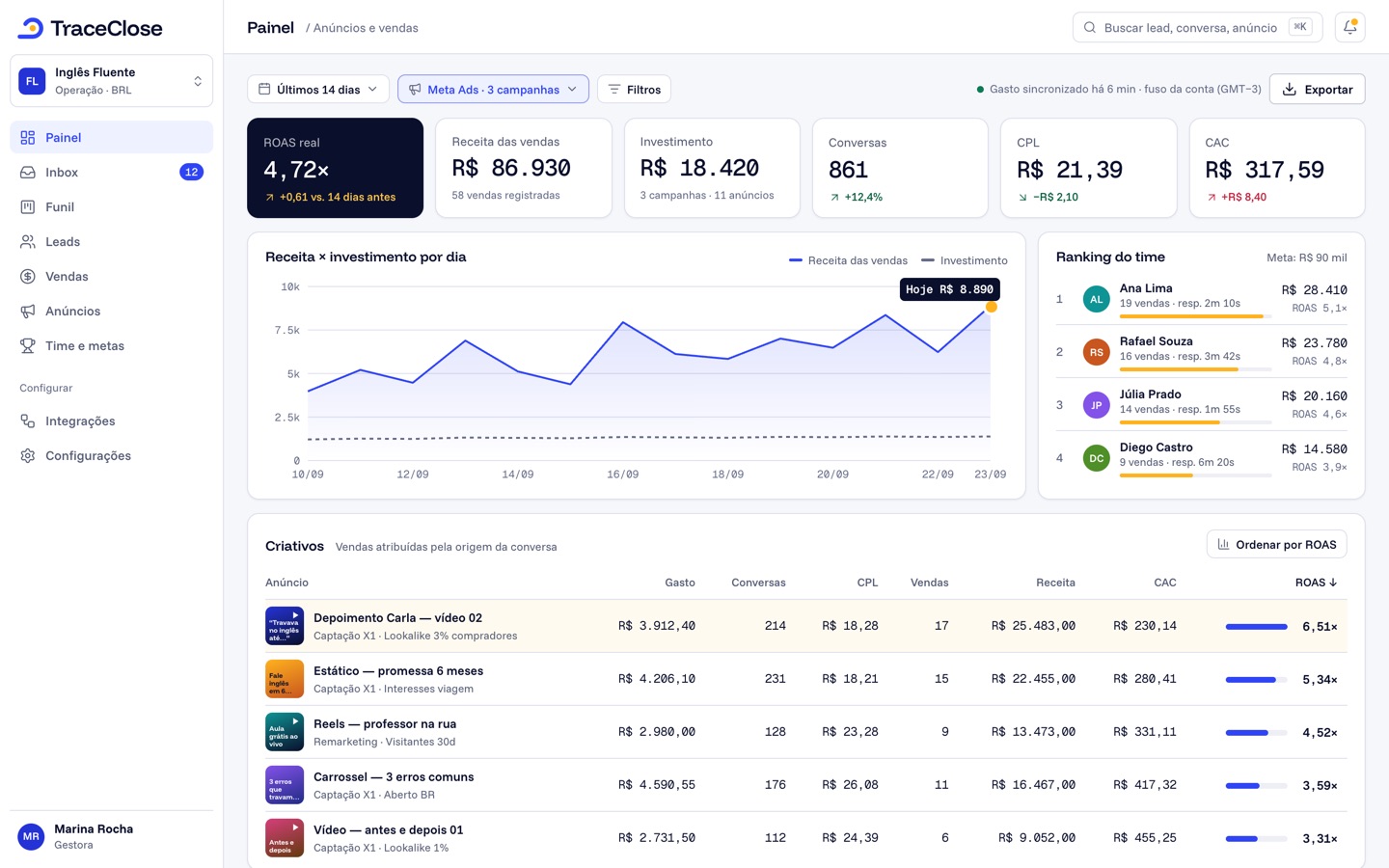
Fictional example: Example Co. has a BM with the account “Example - Sales” (USD, New York time zone) and an old account, “Example - Test”. It creates the “Main BM” connection with both functions, pastes the token and the pixel ID, and in Ad accounts checks only “Example - Sales”. A few minutes later, Analytics shows the spend, impressions and clicks for every campaign, ad set and ad in that account.
What TraceClose does (and doesn’t do) in your account
TraceClose only reads: spend, delivery and the structure of your campaigns, ad sets and ads, to match them with your WhatsApp leads and sales. It doesn’t create, pause or edit campaigns. If you check Conversions destination, it also sends events to your pixel or dataset; see how to send your sales to Meta.
Didn’t work? See…
- Invalid credentials in the status: Meta rejected the token (invalid, expired or missing permissions). Generate a new one in the BM and add it in Edit.
- No ad accounts in the list: the system user has no access to the accounts. Grant access in the BM and click Reload list.
- Account already synced by another connection: each ad account can be in only one connection.
- Spend isn’t showing: see ad spend isn’t showing and ad account excluded from totals.
Frequently asked questions
Does TraceClose change my Meta campaigns?
No. It only reads spend and campaign structure (campaigns, ad sets and ads) and, if you turn it on, sends conversion events.
How many ad accounts can I connect?
It depends on the plan: 1 on Essential, 3 on Growth (added up across the account’s organizations) and 3 per client on Agency. See the details on pricing.
Can I connect with Facebook login?
No. For now, the connection uses the BM system user token, pasted into the dashboard.
Does the Meta token expire?
A system user token can be generated with no expiration date. If Meta rejects the token later, the connection gets the “Invalid credentials” status and you add a new one in Edit.
See the path from ad to sale in your WhatsApp.
Try TraceClose free for 7 days with your team. No card needed to try.